At a glance
- What it is: the learning system (LMS) our learners use every day, from Preschool to Grade 6.
- Who uses it: children in our center classes, children learning at home through TTC Online, their teachers and their parents.
- What is inside: lessons, story books, quizzes, 18 learning games, a weekly plan, a leaderboard and progress updates for parents.
- Where to find it: tobiastutorialcenterlms.com
Why we built our own
Before the LMS, a child's learning lived in folders, quiz papers, notebooks and chat messages. Parents asked every week: "How is my child doing? What should we practice?" Our founder, an industrial engineer and systems architect, built one place where a child knows what to do this week, a teacher sees who needs help and a parent gets clear updates without asking.
What your child does
One plan for the whole week
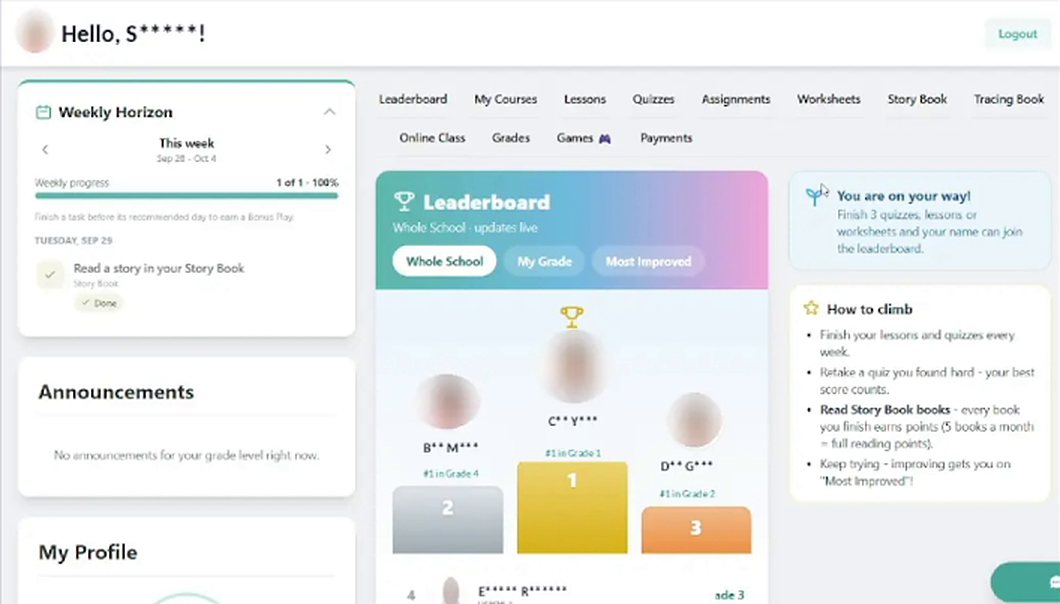
Instead of strict daily targets, your child sees all of this week's lessons, quizzes, stories and games, each with a suggested day. Nothing locks if a day is missed, and finishing early earns a bonus. Read why in weekly planning that reduces stress.
Lessons that explain first
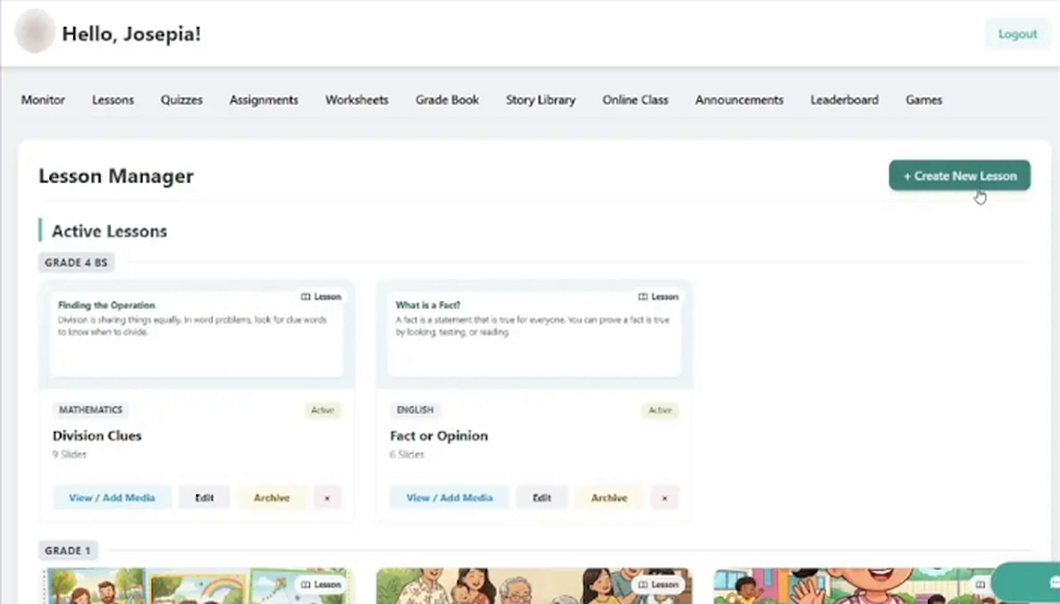
Every lesson starts with a clear goal and simple explanations before any practice. Teachers post a whole week of lessons at once, sorted by grade (see the image below).
Quizzes at your child's level
Each quiz question comes in three levels: easier, on level and challenge, each with a hint. The quiz adjusts as your child answers, so a child who is struggling gets support and a child who is ready gets a challenge. See how our quizzes adjust.
Story books in order
Early readers move through Filipino and English story books one at a time. The next story opens when the current one is finished, so each reading skill is practiced before the next. A read-aloud voice helps on hard words without reading everything for them.
Learning games that count
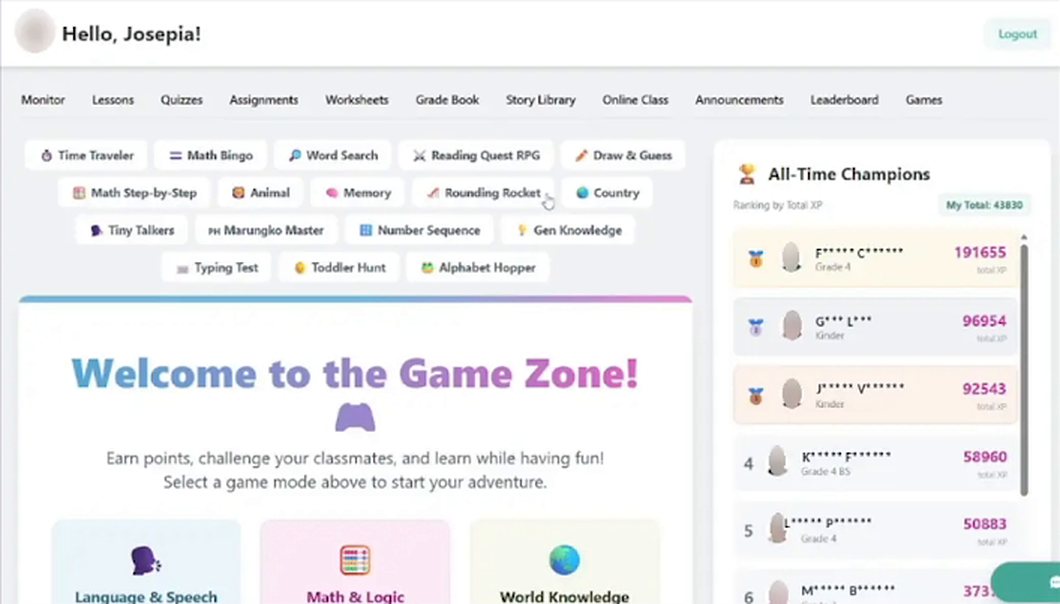
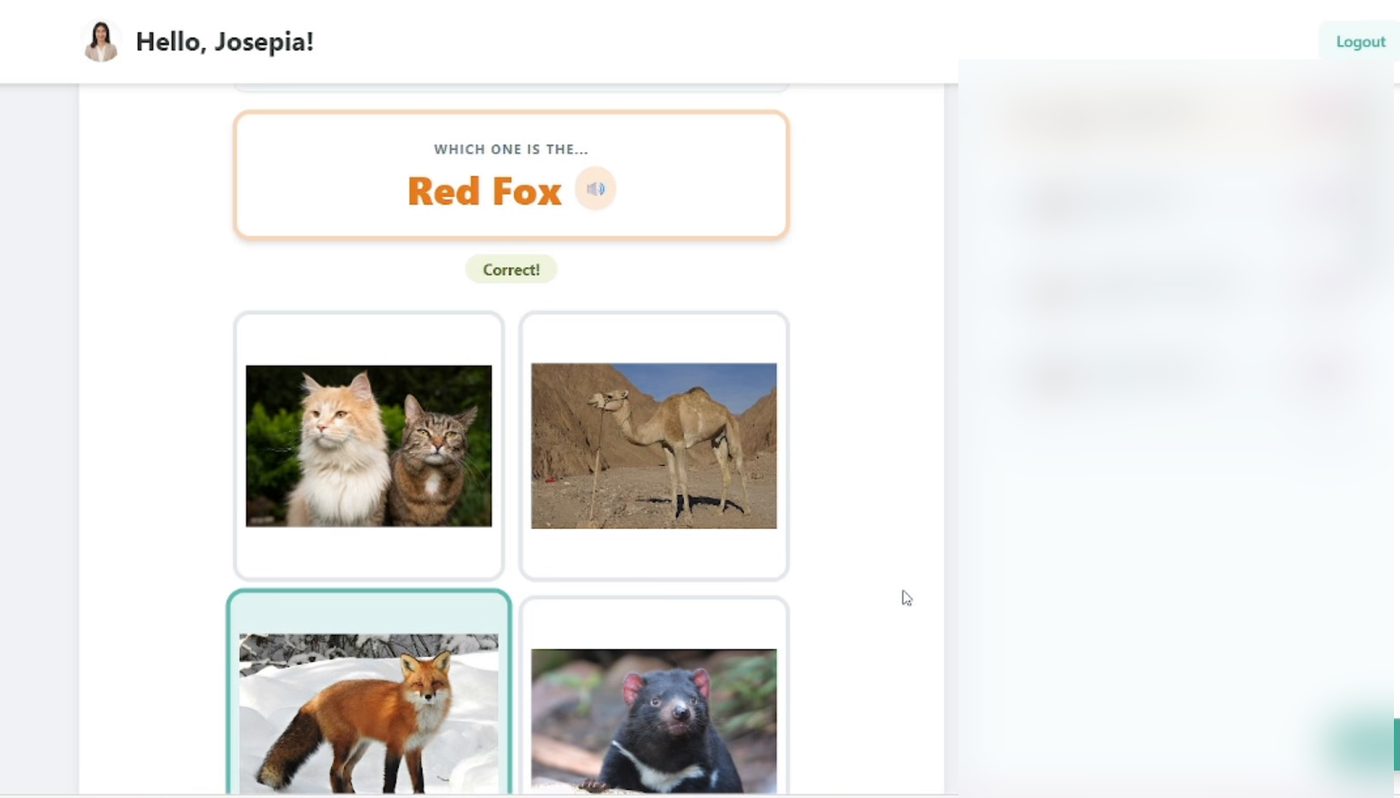
The Game Zone has 18 games: telling time, math bingo, long division step by step, rounding, word search, phonics battles, Filipino reading with Marungko Master, typing, flags of the world, a general knowledge quiz and picture games for preschoolers (see the image below). Game points count toward the weekly plan, so playtime is practice time.
In Name That Animal, children see real photos of real animals and choose the right one (see the image below), the same way our printables use real photos instead of cartoons.
A leaderboard that encourages everyone
The top learners are named, and every other child sees a friendly message about how close they are to moving up. There are no low ranks shown to the class. Online learners have their own board with hidden names and blurred photos. Read leaderboards without shaming.
What you receive as a parent
- A weekly text with your child's results in each subject.
- A monthly report card by email.
- Payment reminders before the due date, and a confirmation when your payment arrives.
Use the weekly text to choose one thing to practice at home. Our guide to progress reports shows what to look for.
What teachers get
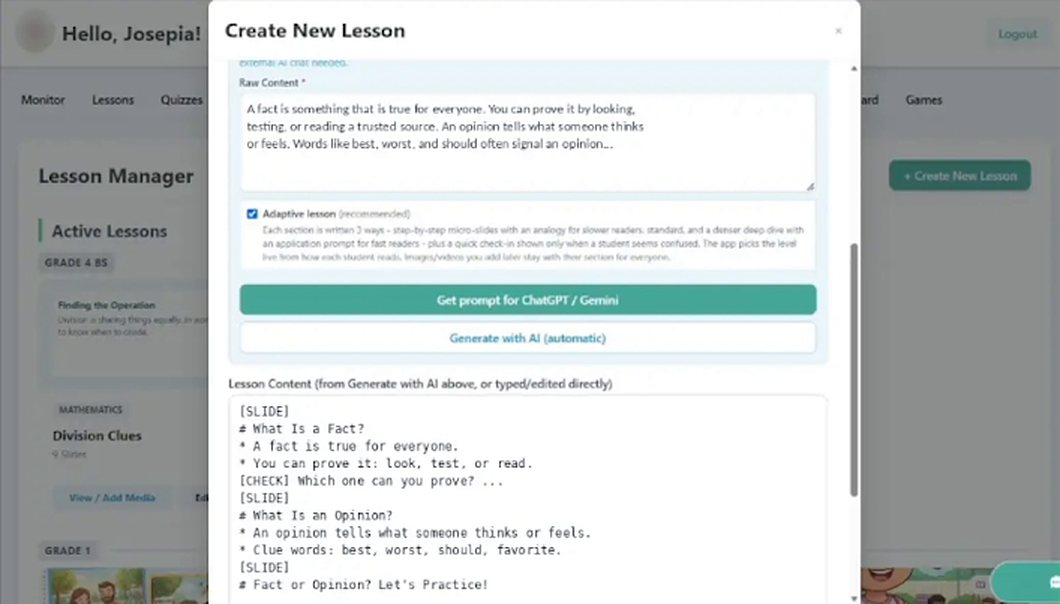
Teachers plan once and post for the week. A built-in helper turns their notes into a ready lesson or quiz, which they check before students see it (see the image below). They see who is ahead and who needs help, and reminders and reports go out on their own, so evenings go to lesson planning, not paperwork.
How we keep children safe
- Each person sees only what they need: children see their own work, and teachers see their own classes.
- Center learners and online learners never see each other, and there is no chat between online learners.
- Every delete asks for confirmation, and progress is saved to the child's account, not one device.
Read more in how we protect learners' information.
Try it
- Center families: your child's account is set up when you enroll. See center classes.
- Families at home: start a 7-day free trial of TTC Online.
- Schools and centers: we can adapt this system with your name and colors, or build one around how you teach. Tell us about your school.